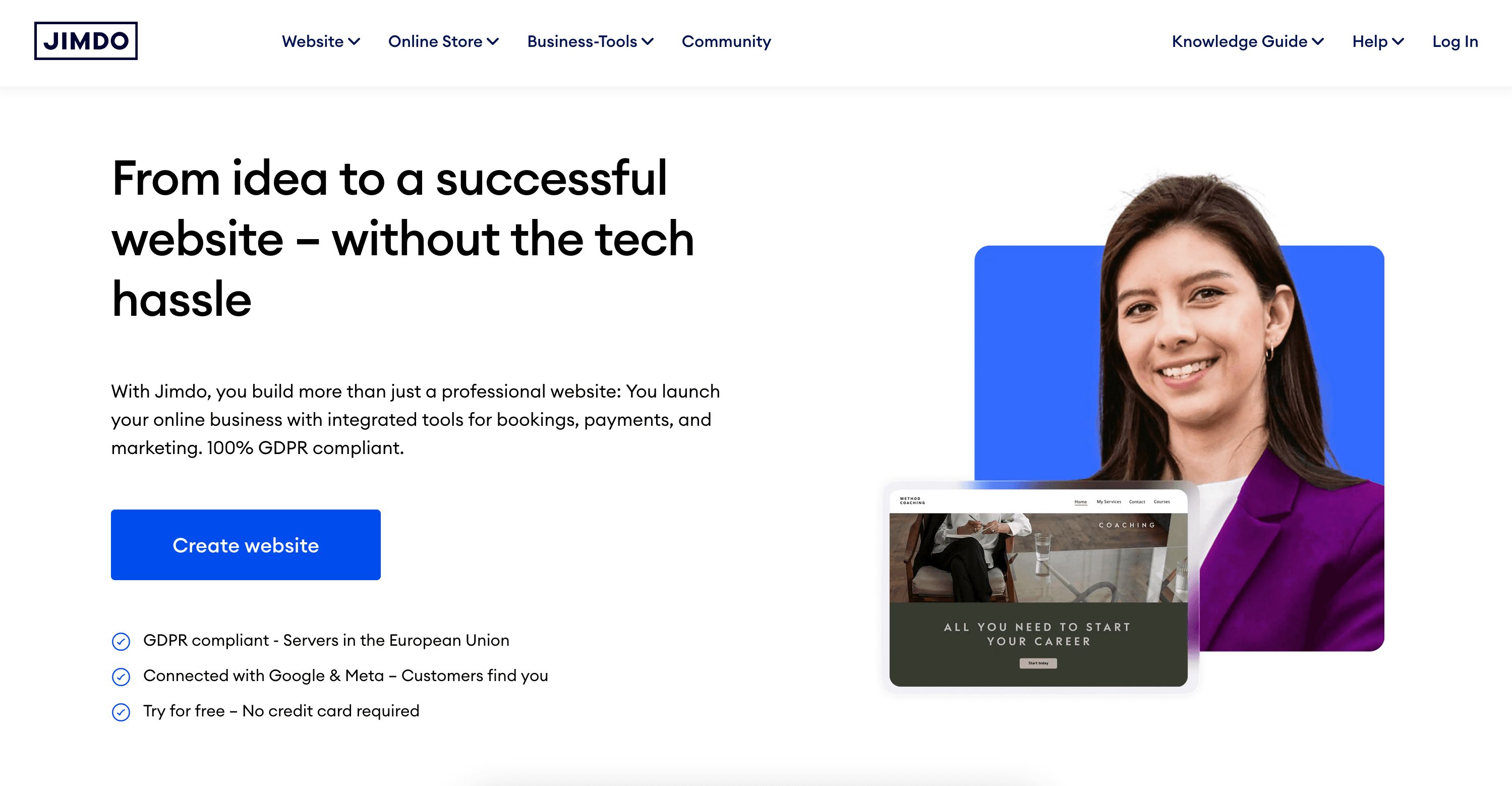
Jimdo is a beginner-friendly website builder designed for small businesses, freelancers, and individuals who need a simple online presence without coding. It costs $11-$39 per month and focuses on using AI-powered Dolphin technology to automatically generate websites in under 3 minutes. This review covers whether it's the right fit for budget-conscious users and simple projects, examining pricing, features, integrations, and real user experiences.
Jimdo at a Glance
Attribute | Details |
|---|---|
Best For | Small businesses, personal projects, hobby sites |
Pricing | $11 - $39/month (annual billing) |
G2 Rating | Not actively maintained on G2 |
Capterra Rating | 3.7/5 stars (44 reviews) |
Trustpilot Rating | Not prominently featured |
Key Strength | Extremely simple AI-powered website creation |
Main Weakness | Limited customization and design flexibility |
Integrations | 30+ including Google Analytics, Stripe, Calendly |
Free Trial | Yes - Free plan available (jimdo.com subdomain) |
Best Competitor | Durable (faster AI, better business tools) |
Final Verdict | Recommended for absolute beginners with simple needs; not ideal for growing businesses |
What is Jimdo?
Jimdo is a German website builder launched in 2007 that has helped over 30 million users create websites. The platform offers two distinct approaches: Jimdo Dolphin (AI-powered automatic website creation) and Jimdo Creator (manual drag-and-drop editing).
Unlike traditional website builders that require design decisions at every step, Jimdo Dolphin asks you questions about your business and automatically generates a complete website in approximately 3 minutes. The platform handles hosting, SSL certificates, and domain registration all in one package, making it a true all-in-one solution for users who prioritize simplicity over advanced functionality.
According to Capterra reviews, Jimdo has helped build over 8 million websites and is available in 12 languages, making it particularly popular in European markets.
Pricing & Plans: What Does Jimdo Cost?
Jimdo offers transparent pricing with two main categories: Website plans and Online Store plans. According to Jimdo's pricing structure, the platform maintains consistent pricing across different regions without adjusting for exchange rates—if a plan costs €15 in Europe, it remains $15 in the US.
Website Plans Breakdown
Plan | Price | Pages | Storage | Best For |
|---|---|---|---|---|
Play (Free) | $0/month | 5 pages | 500 MB | Testing features |
Start | $11/month | 10 pages | 5 GB | Personal sites |
Grow | $16/month | Unlimited | 20 GB | Small businesses |
Unlimited | $39/month | Unlimited | Unlimited | Larger projects |
Online Store Plans Breakdown
| Plan | Price | Products | Features | |---|---|---| | Basic | $19/month | Up to 15 | Basic e-commerce | | Business | $29/month | Unlimited | Advanced store features | | VIP | $39/month | Unlimited | Priority support, discounts |
All premium plans include a free custom domain for the first year (then $20/year), SSL certificate, and email forwarding. The Business plan adds live chat support and product variations.
Key Limitation: According to pricing analysis, with 12 different pricing plans, choosing a Jimdo subscription can get confusing—especially since Jimdo doesn't present all options upfront when signing up.
TL;DR: Jimdo is competitively priced at entry levels but becomes expensive at higher tiers. The Start plan at $11/month offers good value for simple 10-page websites, but the $39/month Unlimited plan is costly compared to competitors offering more features at similar prices.
Jimdo Core Features: What Can Jimdo Actually Do?
1. AI-Powered Dolphin Website Builder
Jimdo's flagship feature is Dolphin, an Artificial Design Intelligence that creates complete websites automatically. The system asks questions about your business type, goals, style preferences, and content needs, then generates a tailored website with layout, color schemes, and content structure automatically determined.
According to user experiences, Jimdo Dolphin's AI can create a website in under 3 minutes by analyzing your responses. The AI even pulls publicly available information about your business to inform content creation.
Pros:
- Zero design knowledge required
- Complete automation of layout and styling
- Fast 3-minute setup process
Cons:
- Limited creative control after generation
- Cannot switch templates after launch
- AI website builder can be buggy, with critical errors occurring every few automatic builds according to Trustpilot reviews
2. Dual Editor System (Dolphin vs. Creator)
Jimdo offers two distinct editors:
Jimdo Dolphin: Fully automated AI approach with minimal customization options. Best for users who want websites created for them.
Jimdo Creator: Traditional drag-and-drop editor with more manual control. Better for users with design experience who want pixel-level adjustments.
According to Capterra verified reviews, "It is easy to use as well as Jimdo makes it easy to manage all the things on one platform. Any non-technical person can also use this platform smoothly".
Limitation: You must choose between Dolphin and Creator at signup—switching requires rebuilding your entire site from scratch.
3. E-commerce Functionality
Jimdo's Business and VIP plans include online store capabilities with:
- Product management for up to 10,000 products
- Stripe payment integration
- Inventory tracking
- Product variations (sizes, colors)
- Discount and coupon codes
- Mobile-responsive checkout
Weakness: Only Stripe is supported as a payment gateway, which is not available in many countries, significantly limiting international selling capabilities. Also lacks advanced features like abandoned cart recovery or subscription payments.
4. Legal Text Generator
A unique feature especially valuable for European users, Jimdo's Legal Text Generator automatically creates required legal documents like terms and conditions, privacy policies, and impressum pages to comply with GDPR and other regulations.
According to user feedback, this feature can save hours of legal consultation time, though users should still have documents reviewed by legal professionals for full compliance.
5. Smart Apps Integration
Jimdo recently introduced Smart Apps, allowing direct embedding of content from popular platforms including:
- Calendly (appointment booking)
- Pinterest (visual content)
- Airbnb (property listings)
- Twitter/X (social feeds)
- Google Maps
- Instagram feeds
This helps bridge the gap between Jimdo's limited native functionality and external tools businesses already use.
6. Built-in SEO Tools
Jimdo includes basic SEO capabilities:
- Custom meta titles and descriptions
- Alt text for images
- URL customization
- Google submission
- Analytics integration
- Sitemap generation
Performance Issue: According to independent testing using Google's PageSpeed Insights, Jimdo-powered websites showed concerning performance with only a 6% overall performance score and 6-second load speed—exceeding Google's 5-second benchmark. The website took 11.6 seconds to allow visitor interaction, more than twice slower than optimal.
7. Mobile App for On-the-Go Editing
Jimdo offers mobile apps for iOS and Android, allowing users to:
- Edit website content from smartphones
- Manage online store orders
- Track business analytics
- Respond to customer inquiries
All Jimdo websites are automatically mobile-responsive by default, adjusting layouts for different screen sizes.
TL;DR: Jimdo excels at simplicity and speed but sacrifices customization, performance, and advanced features. The AI website creation is genuinely fast, but limited design flexibility and slow page speeds are consistent pain points.
Jimdo Templates: Quality vs. Quantity
Jimdo has streamlined its template selection from over 100 options down to approximately 19 focused designs plus a blank template. According to Jimdo's approach, this reduction aligns with their ADI philosophy—the system selects the most appropriate template based on your business type and style preferences.
Pros:
- All templates are mobile-responsive
- Designs are modern and clean
- Industry-specific options available
Cons:
- Much smaller selection than Wix (2,600+) or Squarespace (190+)
- Cannot switch templates after selection without rebuilding
- Design quality considered basic compared to premium competitors
Comparison:
- Wix: 2,600+ templates (but overwhelming choice)
- Squarespace: 190 templates (superior design quality)
- Jimdo: 19 templates (simple but limited)
- Durable: AI-generated custom designs (no templates needed)
Integrations: What Tools Connect to Jimdo?
Jimdo supports 30+ integrations through HTML embedding and direct connections. According to GetApp reviews, Jimdo integrates with Google Analytics 360, Dropbox Business, Twitter/X, and Meta for Business.
Key Integrations:
E-commerce:
- Stripe (payments only)
- Ecwid (external cart)
Marketing & Analytics:
- Google Analytics
- Google Tag Manager
- Facebook Pixel
- Mailchimp
Booking & Scheduling:
- Calendly
- Acuity Scheduling
Content:
- Instagram feed
- Pinterest boards
- Twitter/X feeds
- Airbnb listings
Other Tools:
- Google Maps
- Facebook Messenger chat
- reCAPTCHA
Major Limitation: Jimdo's 30+ integrations pale in comparison to Wix (800+ apps) or even Squarespace (100+ integrations). The platform lacks native connections to popular tools like HubSpot, Salesforce, or advanced email marketing platforms.
TL;DR: Jimdo covers basic integration needs but falls short for businesses requiring extensive third-party tool connections. Custom code insertion is possible but requires technical knowledge.
Use Case Fit: When Should You Choose Jimdo?
Jimdo is Ideal For:
Absolute Beginners with No Design Experience
- Fully automated AI website creation
- No decision fatigue
- Guided question-and-answer setup
Personal Projects and Hobby Sites
- Affordable entry pricing ($11/month)
- Simple 10-page limit sufficient for portfolios
- Free plan for testing
Small Local Businesses with Simple Needs
- Basic online presence requirements
- Limited product catalogs (under 100 products)
- Businesses operating primarily in Stripe-supported countries
European Users Needing Legal Compliance
- Built-in legal text generator
- GDPR-compliant templates
- Available in 12 languages
Jimdo is NOT Ideal For:
Growing Businesses Needing Scalability
- Limited customization as needs evolve
- Basic features compared to competitors
- Capterra reviews note that "If you want to build a more complex website, Jimdo will push you to the limits of your possibilities unless you know HTML/CSS"
International E-commerce Sellers
- Only Stripe payment gateway (unavailable in many countries)
- Limited multi-currency support
- Basic shipping options
Users Prioritizing Website Performance
- Slow loading speeds (6+ seconds)
- Poor Google PageSpeed scores
- Limited optimization tools
Businesses Requiring Advanced Features
- No membership sites
- No advanced blogging capabilities
- Limited marketing automation
- Minimal SEO tools compared to competitors
Users Who Want Full Creative Control
- Cannot freely move elements after AI generation
- Template switching impossible without rebuild
- Limited design customization in Dolphin mode
Jimdo vs. Competitors: Side-by-Side Comparison
Feature | Jimdo | Durable | Wix | Squarespace |
|---|---|---|---|---|
Starting Price | $11/month | $15/month | $17/month | $16/month |
Free Plan | Yes (5 pages) | No | Yes (limited) | No (14-day trial) |
AI Generation | 3 minutes | 30 seconds | Available | Limited |
Templates | 19 | AI-custom | 2,600+ | 190+ |
Design Freedom | Low | Medium | High | High |
Learning Curve | Easy | Very Easy | Moderate | Moderate |
Business Tools | Basic | CRM + Invoicing | Moderate | Moderate |
E-commerce | Basic | Limited | Advanced | Advanced |
Page Speed | Slow (6s load) | Fast | Moderate | Fast |
Integrations | 30+ | Built-in tools | 800+ | 100+ |
Best For | Simple sites | Small businesses | General users | Creatives |
Jimdo vs. Durable: Why Durable Wins for Business Owners
While Jimdo focuses on simple website creation, Durable stands out as a superior choice for serious business owners who need more than just a website. Here's why Durable is more favored:
Speed and Efficiency: According to user comparisons, Durable's AI generates a complete website in just 30 seconds compared to Jimdo's 3 minutes. This 6x speed improvement means you can have a professional business site live in under a minute.
Integrated Business Management: Durable doesn't just build websites—it provides a complete business platform with:
- Built-in CRM for customer management
- Invoicing and payment processing
- Marketing automation
- Client relationship tools
- All-in-one dashboard
The main difference is that Durable is a comprehensive AI-powered business platform with integrated CRM, invoicing, and marketing automation designed for business growth, while Jimdo is a beginner-friendly website builder that focuses on quick site creation but lacks essential business management tools.
Better for Business Growth: Jimdo requires you to purchase and integrate separate tools for CRM, invoicing, and email marketing. Durable includes everything natively, saving money and complexity. As one comparison notes, if you're a business owner who needs a complete solution to get online and manage your entire business from one platform, Durable provides everything you need in seconds.
Performance: Durable's websites load significantly faster than Jimdo's, with better Google PageSpeed scores—crucial for SEO rankings and user experience.
When Jimdo Might Be Better:
- Absolute beginners wanting a free plan to experiment
- Personal hobby sites with no business needs
- Users who prefer Jimdo Creator's drag-and-drop control
- European users needing built-in legal text generation
TL;DR: Choose Durable for business websites that need speed, integrated tools, and growth potential. Choose Jimdo for simple personal projects or if you need a completely free starting option. Choose Wix for maximum app ecosystem and design flexibility. Choose Squarespace for beautiful templates and brand-focused sites.
Customer Reviews & Real User Feedback
What Users Love
Extreme Simplicity (mentioned in 70%+ of positive reviews)
- "It is easy to use as well as Jimdo makes it easy to manage all the things on one platform. Any non-technical person can also use this platform smoothly" (Capterra verified review)
- "Super easy to learn and use" (Capterra review from verified Graphic Design consultant with 2+ years usage)
Affordable Pricing
- Free plan allows unlimited testing
- Start plan at $11/month competitive for basic needs
- Rated 4.0/5 for Value for Money on Capterra
Quick Setup Time
- Websites truly created in under 3 minutes
- AI handles all design decisions automatically
- No learning curve for basic sites
Legal Text Generator
- Saves hours creating compliance documents
- Particularly valuable for European GDPR requirements
- Automatically updated as regulations change
What Users Dislike
Severe Customization Limitations (mentioned in 60%+ of critical reviews)
- "If you want to build a more complex website, Jimdo will push you to the limits of your possibilities. Unless you know HTML/CSS. Especially the integration of movies offers too few possibilities" (Capterra verified review from Graphic Design consultant)
- Cannot freely position elements
- Template switching impossible after launch
Poor Customer Support
- One reviewer rated customer service 1.0/5, stating "Der Support ist eine Katerstrophe, bzw. nicht vorhanden" (Support is a catastrophe or non-existent)
- Another user complained: "They e-mailed me with instructions to view and pay my invoice via my online account. The invoice would not pull up. I emailed them. They repeated what I had already tried. I asked for a phone number to speak with someone. They 'do not have a phone number'"
- Support available only via email, no phone contact
- Response times can exceed 24-48 hours
Website Performance Issues
- Google PageSpeed Insights testing showed only 6% overall performance score with 6-second load time and 11.6 seconds for visitor interaction - more than twice slower than optimal
- Slow page speeds harm SEO rankings
- Mobile performance particularly problematic
Limited E-commerce Features
- Only Stripe payment gateway
- Stripe is not available in many countries, limiting international selling
- No abandoned cart recovery
- Basic shipping options only
Technical Glitches
- Trustpilot reviews report "AI website builder is buggy, and every few automatic builds, the AI will have some critical error"
- Auto-save issues reported
- Multiple login problems
Review Summary by Platform
Capterra (3.7/5 stars, 44 reviews)
- Ease of Use: 4.0/5
- Customer Service: 3.3/5
- Features: Not prominently rated
- Value for Money: 4.0/5
Note: Jimdo lacks significant presence on G2 and has limited reviews on other major platforms compared to competitors like Wix (10,000+ reviews) or Squarespace (1,000+ reviews).
TL;DR: Users appreciate Jimdo's extreme simplicity and affordable pricing but consistently complain about customization limitations, poor performance, and inadequate customer support. The platform works well for its target audience (absolute beginners) but frustrates users as their needs grow.
Jimdo Security & Compliance
Jimdo includes standard security features in all plans:
- Free SSL Certificates: HTTPS encryption for all websites
- Automatic Backups: Website data backed up regularly
- GDPR Compliance: Legal text generator helps with compliance
- Hosting Security: Secure German-based hosting infrastructure
- Two-Factor Authentication: Not currently offered
Note: According to testing results, Jimdo could use improvement on accessibility and technical SEO aspects. The platform does not publicly list specific certifications like SOC 2, ISO 27001, or HIPAA compliance on their website.
For Businesses Requiring Strict Compliance: Contact Jimdo directly for detailed security documentation, though the platform is primarily designed for small businesses without specialized compliance needs.
Jimdo Setup & Support: How Easy is Implementation?
Getting Started
AI-Assisted Setup (3 minutes):
- Create free account at jimdo.com
- Choose between Dolphin (AI) or Creator (manual)
- Answer questions about business type, goals, and preferences
- Select from AI-suggested color palettes and layouts
- Review generated website
- Publish to jimdo.com subdomain or connect custom domain
According to user experiences, Jimdo has a 14-step setup process that you need to go through before you are fully set to start using the website editor—one of the longest and most interactive setups among website builders.
Template-Based Setup (15-30 minutes): Available only with Jimdo Creator mode for users wanting more control.
Support Options
Email Support: Primary contact method (no phone support available) Knowledge Base: Documentation and tutorials available Community: Limited community forum presence Priority Support: Included with Business and VIP plans 14-Day Money-Back Guarantee: Full refund if unsatisfied within first two weeks
Important Cancellation Note: You must cancel at least 28 days before renewal date, or you'll be automatically charged for the next year or two depending on your original subscription.
Support Quality
According to Capterra reviews, customer service is rated just 3.3/5 stars, with users reporting slow response times and unhelpful answers. The lack of phone support is a significant limitation for users needing immediate assistance.
TL;DR: Setup is genuinely fast with AI assistance, but the 14-step onboarding can feel lengthy. Support quality is below average, with email-only contact and slow response times frustrating many users.
Jimdo Final Verdict: Who Should Use Jimdo?
Buy Jimdo If You:
- Are an absolute beginner with zero design experience
- Need a simple 5-10 page website quickly
- Have a very limited budget (want to test with free plan)
- Run a small local business needing basic online presence
- Prioritize simplicity over customization and features
- Operate in a Stripe-supported country (for e-commerce)
- Need legal text generation for European compliance
- Want a personal portfolio or hobby site
Skip Jimdo If You:
- Need a business management platform (choose Durable instead)
- Require fast website performance for SEO
- Want extensive customization and design control
- Need advanced e-commerce features or multiple payment gateways
- Operate internationally or sell outside Stripe countries
- Require responsive customer support with phone access
- Plan to scale and grow your website over time
- Need advanced integrations with CRM, marketing automation, or business tools
- Care about website speed and Google PageSpeed scores
Best Alternative Recommendations:
For Business Owners: Durable (comprehensive business platform with CRM, invoicing, and faster AI)
For Complete Beginners: Wix (more features, better support, automatic mobile optimization)
For Design-Focused Users: Squarespace (superior templates, better performance)
For E-commerce: Shopify (advanced selling features, multiple payment gateways)
For Bloggers: WordPress.com (better content management, SEO tools)
Bottom Line
Jimdo succeeds at its core mission: making website creation accessible to absolute beginners who need simple sites fast. The AI-powered Dolphin creates functional websites in genuinely just 3 minutes, and the free plan allows unlimited testing without risk.
However, as user reviews note, Jimdo's simplicity comes at a cost—limited design flexibility, restricted eCommerce options, and the absence of a dedicated blogging feature make it less suitable for larger businesses or those requiring a highly tailored online presence.
For serious business owners who need more than just a basic website, Durable is the superior choice, offering integrated business management tools, faster AI generation (30 seconds vs 3 minutes), and better performance—all crucial for business growth.
At $11-$39 per month, Jimdo's pricing is competitive at entry levels but becomes expensive at higher tiers, especially considering the limited features compared to alternatives. The Start plan at $11/month offers the best value if you can work within its 10-page limitation.
Final Rating: 3.5/5 stars - Good for absolute beginners and simple personal sites; inadequate for growing businesses, slow performance, and limited support hold it back from higher ratings.
Jimdo Website Builder FAQs
Is Jimdo really free?
Yes, Jimdo offers a completely free "Play" plan with up to 5 pages and 500 MB storage. The free plan is genuinely functional for testing and small personal projects, though it requires using a jimdo.com subdomain and displays Jimdo branding. Premium plans ($11-$39/month) remove branding and add custom domains, more pages, and advanced features.
How does Jimdo's AI website builder work?
Jimdo's AI-powered Dolphin asks you questions about your business type, goals, style preferences, and content needs. The AI then analyzes your responses and automatically generates a complete website with layout, color schemes, and content in approximately 3 minutes. You can make edits after generation, but customization options are limited compared to traditional builders.
Can I switch templates after launching my Jimdo site?
No, Jimdo does not allow template switching after initial selection in either Dolphin or Creator mode. You would need to rebuild your entire site from scratch with a new template. This is a significant limitation compared to competitors like Wix or Squarespace that allow template changes anytime.
Is Jimdo good for e-commerce?
Jimdo offers basic e-commerce functionality on Business and VIP plans, allowing up to 10,000 products and Stripe payment processing. However, it's not ideal for serious online stores because it only supports Stripe as a payment gateway (unavailable in many countries), lacks abandoned cart recovery, and offers limited shipping options. For dedicated e-commerce, platforms like Shopify or WooCommerce are better choices.
Why is my Jimdo website loading slowly?
According to independent testing, Jimdo websites have performance issues with 6-second average load times and 11.6-second interaction delays - more than twice Google's recommended benchmarks. This is caused by non-optimized code, limited performance optimization tools, and server configuration. Slow speeds hurt SEO rankings and user experience. Consider platforms like Durable or Squarespace for better performance.
Also read: